Monster Wheels — Play Free Online
More Driving & Physics games
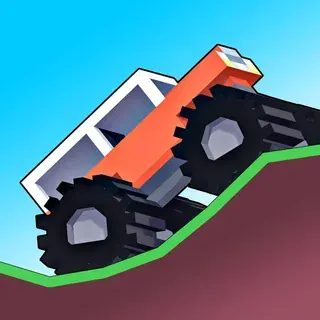
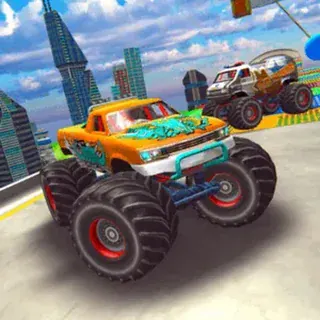



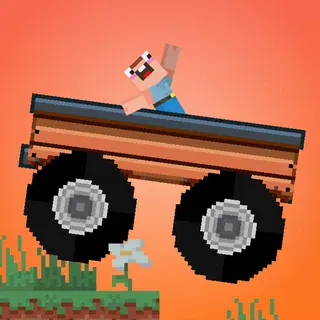

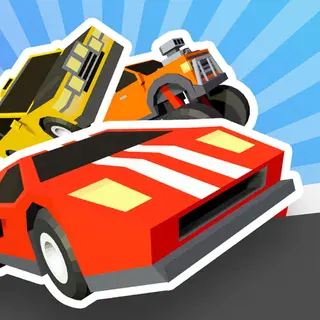

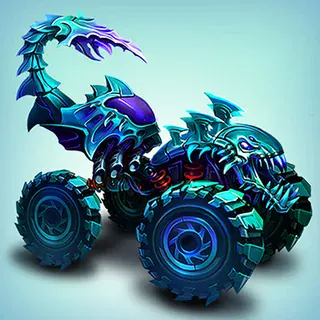
Monster Wheels puts you behind the wheel of a heavy-duty monster truck engineered to conquer rough terrain, steep ramps, and obstacle-laden industrial courses. Unlike lightweight racing games where top speed is everything, this side-scrolling physics driver demands constant attention to weight distribution, wheel traction, and mid-air rotation. A single careless launch over a hill can flip your chassis upside down, ending your run on the spot.
Fans of physics-based stunt games like Moto X3M will feel right at home with the momentum mechanics. While motorcycle trials focus on agile flips and rapid recovery, Monster Wheels delivers the satisfying heft of massive tires and high-clearance suspension crushing scrap cars, wooden ramps, and hazardous barriers along the path to the finish line.
How to play
Getting your truck moving is straightforward, but mastering each course requires delicate throttle control and quick reflexes:
- Drive and reverse: Press the Up Arrow or W key to accelerate forward. Use the Down Arrow or S key to brake or reverse out of tight corners.
- Balance and tilt: Use the Left and Right Arrow keys (or A and D) to lean backward and forward. Adjusting your pitch in mid-air is essential for landing cleanly on all four wheels.
- Reach the finish line: Complete each stage as quickly as possible while keeping the vehicle upright. Crashing onto your roof triggers an immediate restart from the latest checkpoint.
Tips for high-speed runs
Mastering difficult tracks requires more than just holding down the gas pedal:
- Feather the throttle on steep hills: Punching the accelerator right at the crest of a ramp will throw the nose upward and flip your truck backward. Ease off the gas just before the lip of the jump.
- Match the landing angle: Tilt the chassis mid-flight so both front and rear tires touch down at the exact slope angle of the receiving ramp. A flat landing preserves speed and prevents violent bounces.
- Maintain momentum through debris: Crushing junk cars and wooden crates slows down your truck. Carry enough speed into obstacles so the undercarriage does not get stuck on jagged wreckage.
- Prioritize stability upgrades: When upgrading your vehicle between stages, invest in suspension balance and engine torque before maxing out top speed, giving you better recovery on steep inclines.
Similar games on Moto X3M
If you enjoy the physics balancing in Monster Wheels, the catalogue offers several other great driving challenges. The Moto X3M series, including Moto X3M 2 and Moto X3M Winter, delivers fast trial bike stunts with explosive obstacles and loop-the-loops. For street-level velocity, Retro Highway offers classic arcade motorcycle racing, while Crazy Bikes provides open stunt parks for practicing high-flying tricks. If you prefer freeform car physics on wide tracks, Madalin Stunt Cars 3 and City Rider are great alternatives.
Monster Wheels runs directly in your web browser with no installation needed, making it an excellent pick for quick, action-packed gaming sessions on desktop or laptop keyboards.
Questions about Monster Wheels
How do you control the truck in Monster Wheels?
Use the Up Arrow or W key to accelerate, Down Arrow or S key to reverse, and Left/Right Arrows or A/D keys to balance and tilt the chassis in the air.
What happens if your truck flips over upside down?
Landing upside down or crashing heavily on your roof wrecks the truck, requiring you to restart the course from the start or the nearest checkpoint.
Do you need to download anything to play Monster Wheels?
No downloads or plugins are required. Monster Wheels runs directly in any modern desktop or mobile web browser completely free.
How do you earn upgrades and new vehicles?
Complete course stages quickly to earn cash and stars, which you can spend between levels to upgrade your truck's speed, acceleration, and balance.