Car Machines — Play Free Online
More Driving & Physics games
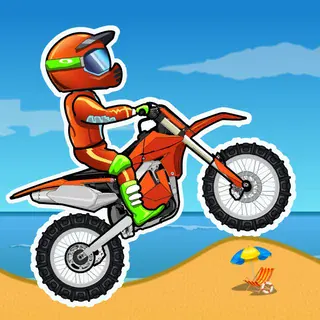



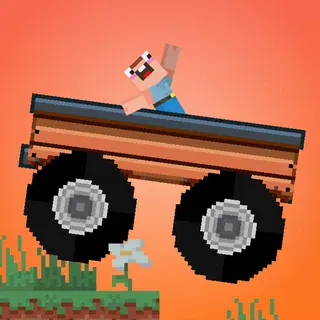



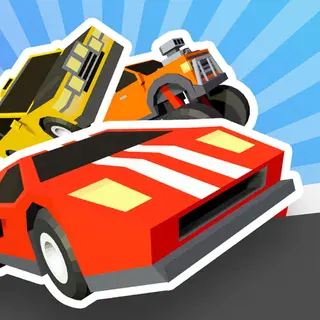

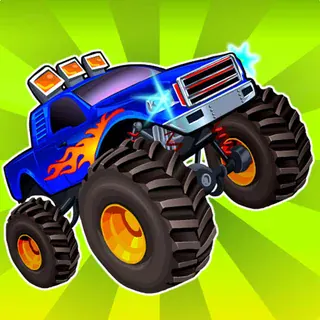
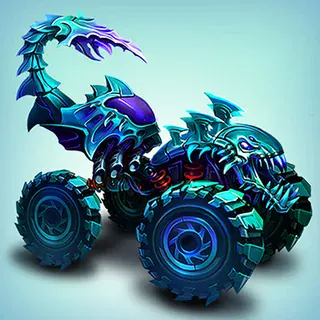
Car Machines is a 2D physics building and driving game where you construct custom vehicles and test their stability across uneven terrain. You assemble chassis parts, blocks, and wheels to create a working machine, then take the wheel to see if your design can survive steep ramps, sudden drops, and rugged obstacles without collapsing.
The core loop balances engineering with careful driving. If your vehicle is too top-heavy, a sudden climb flips it backward; if the wheelbase is too short, small bumps send it bouncing out of control. Players who enjoy Moto X3M will appreciate the familiar focus on momentum, tilt management, and physics-driven track navigation. It runs directly in the web browser with nothing to install, making it easy to jump in for quick trial runs or spend time perfecting an elaborate crawler.
How to play
Use the Arrow keys or WASD to operate your vehicle. Press Up or W to apply throttle and move forward, and Down or S to brake or reverse. Left and Right (or A and D) tilt your machine in mid-air and on steep inclines, helping you maintain traction and keep all wheels on the ground.
Each attempt begins in the workshop or track start. Build and adjust your vehicle frame, position the wheels to support the chassis weight, and start the run. As you travel through the course, moderate your speed over hills and rough patches rather than holding the accelerator down. If the vehicle flips upside down or suffers catastrophic structural damage, the round ends and you must restart or modify your build.
Tips
- Keep the center of gravity low. Placing heavy components close to the ground reduces the chance of flipping over backwards on steep inclines.
- Feather the throttle over crests. Full acceleration over an abrupt bump launches the front end upward, making a rollover difficult to prevent.
- Widen the wheelbase when tackling rough terrain. Spacing your wheels further apart improves stability and dampens jarring bounces after landings.
- Use tilt controls during jumps. Leaning forward or backward in the air lets you match the slope of the landing ramp, preserving forward momentum.
Similar games on Moto X3M
If you enjoy physics puzzles and driving mechanics, Madalin Stunt Cars 3 offers open 3D sandbox stunt driving with sports cars, while City Rider focuses on urban vehicle simulation and traffic navigation. For pure reflex challenges centered on two wheels, the main Moto X3M and Retro Highway provide fast obstacle courses and high-speed highway evasion.
Car Machines is well suited for players who like creative problem-solving combined with hands-on driving control on a laptop or desktop keyboard.
Questions about Car Machines
How do you control and steer your vehicle in Car Machines?
Drive and balance your machine using the Arrow keys or WASD on your keyboard. Up or W accelerates, Down or S brakes and reverses, and Left and Right tilt the chassis in mid-air.
What is the main objective in Car Machines?
The goal is to assemble a stable vehicle using blocks and wheels in the workshop, then successfully navigate challenging tracks without flipping over or breaking apart.
Can I play Car Machines for free without downloading anything?
Yes, Car Machines runs directly inside your web browser on desktop and laptop devices without requiring any downloads, plugins, or account registration.