Drive Mad — Play Free Online
More Driving & Physics games
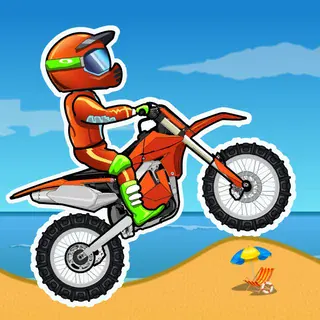
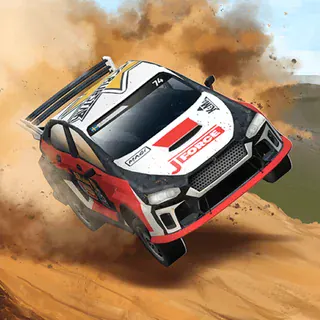

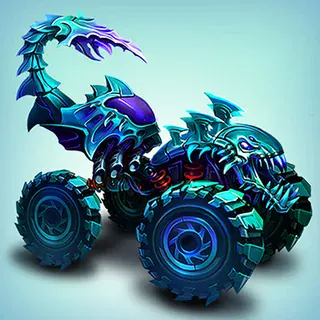








Drive Mad is a short-fuse physics driving game. You steer a small vehicle along a course built from ramps, seesaws, wobbly bridges and moving platforms, and the only goal is to reach the finish flag with the wheels still underneath you. There is no engine tuning and no upgrade screen. Each level is one obstacle course, and it is over the moment the vehicle lands on its roof.
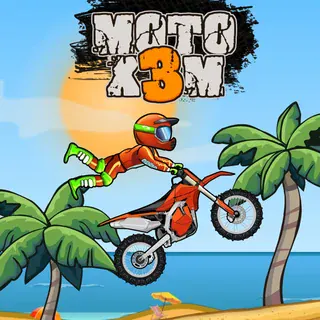
If you came to this site for Moto X3M, the appeal is familiar: quick restarts, a course that punishes greed, and the pull of "one more try" after a bad landing. The difference is pace. Moto X3M rewards speed and stunts, while Drive Mad rewards patience and a light touch on the throttle. A level usually lasts under a minute when it goes well, so it fits a short break.
It runs in the browser with nothing to install, and it loads quickly enough to play straight away.
How to play
Use the arrow keys or WASD. Up or W drives forward, and left and right (or A and D) tilt the vehicle in the air and shift its weight on the ground. Down or S brakes and reverses.
A round is really a series of small balance problems. On flat ground you can hold the throttle down. When the track turns to bumps, gaps or moving parts, the vehicle starts to behave like a physics toy: too much power lifts the front wheels, and too little leaves you stuck on a slope. Most failures come from arriving at an obstacle with the wrong speed, not from steering the wrong way.
Tips
- Feather the throttle over bumps. Tapping the accelerate key keeps the wheels on the ground far better than holding it.
- Use the tilt keys in the air. A small correction before you land is what keeps the vehicle from flipping.
- On moving or wobbling platforms, slow down and let the platform settle before you cross it.
- If a level keeps ending the same way, restart at once and try a different speed at that one spot. Repeating the same approach rarely works.
Similar games on Moto X3M
For faster, stunt-heavy runs, try Moto X3M itself or Moto X3M 2, which use a bike and timed courses. Stickman Bike and Stud Rider also give you a rider to keep upright, while Madalin Stunt Cars 3 is more open and does not have a finish flag to chase. Drive Mad sits between them: a four-wheeled vehicle with a bike-style physics challenge.
It suits anyone who likes puzzle-like levels and short sessions, and the keyboard controls are simple enough for a beginner to pick up in a minute.
Questions about Drive Mad
What are the controls in Drive Mad?
Arrow keys or WASD. Up or W drives, left and right tilt the vehicle, and down or S brakes. Light throttle taps over bumps help you keep balance.
Is Drive Mad free to play?
Yes. It plays free in your browser on motox3m.click, with no download or account needed.
Can I play Drive Mad on a phone or Chromebook?
It is a browser game, so it runs on a Chromebook or PC. It is designed around keyboard controls, so a keyboard is the easiest way to play.